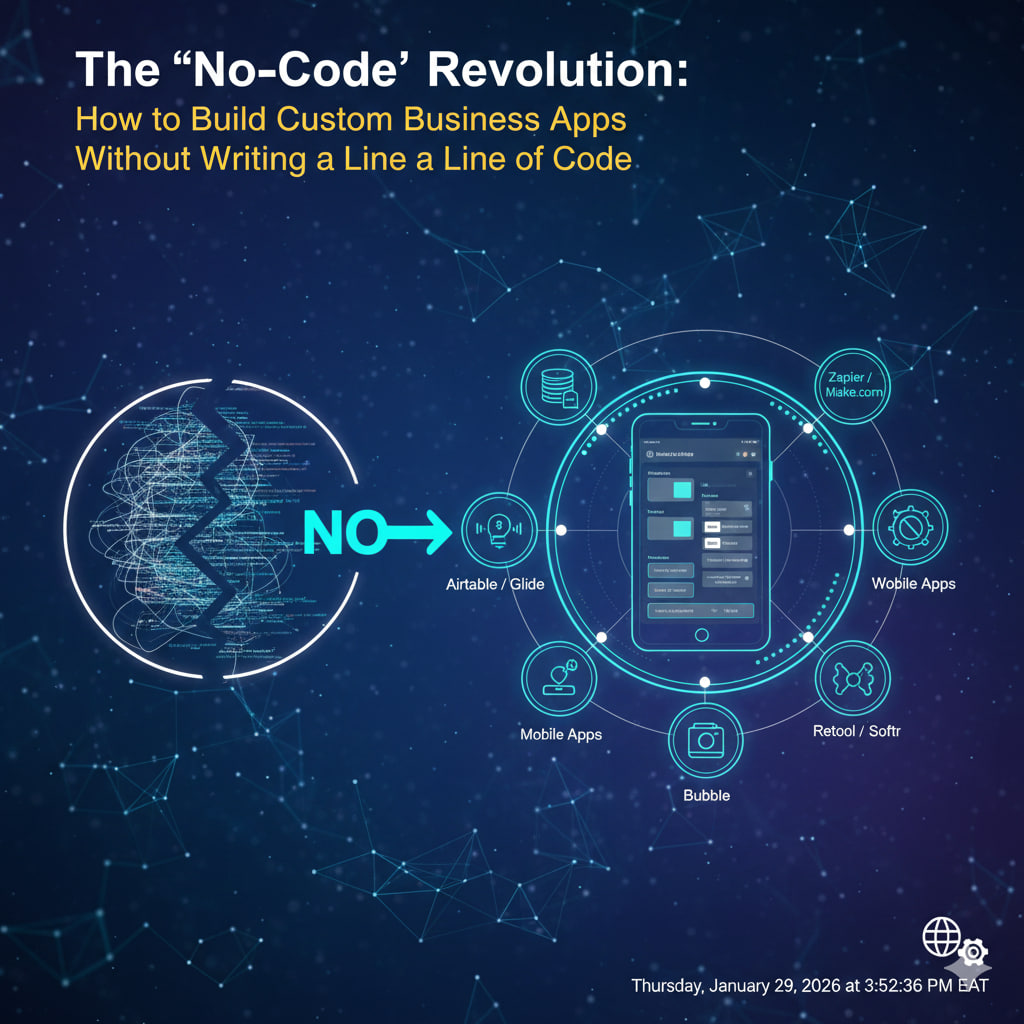
For decades, custom software was a luxury reserved for the biggest players. If you needed a bespoke CRM or a unique inventory tracker, you had two choices: hire an expensive development team or settle for “off-the-shelf” software that didn’t quite fit.
By 2026, that dynamic has flipped. Experts project that 75% of new business applications are now built using no-code or low-code platforms. The “No-Code Revolution” isn’t just a trend; it’s the new standard for operational agility.
What is No-Code, Really?
No-code platforms are visual development environments. Instead of typing lines of syntax, you use drag-and-drop interfaces, pre-built logic blocks, and AI-guided assembly. If you can build a slide deck or organize a spreadsheet, you can now build an app.
Why the Shift is Happening Now
- The Developer Shortage: Demand for apps is growing five times faster than IT departments can handle. No-code fills this “skills gap.”
- AI Orchestration: Modern platforms now feature “AI Agents.” You can describe your app in plain English (“Build me a client portal with a secure login and a progress dashboard”), and the platform generates the architecture for you.
- Cost & Speed: Building a custom app traditionally cost upwards of $50,000 and took months. Today, you can launch a functional MVP (Minimum Viable Product) in under 30 days for a fraction of the price.
The 2026 No-Code Starter Pack: Choosing Your Tool
Not all no-code tools are created equal. Your choice depends on what you’re building:
| Goal | Best Platform | Key Strength |
| Complex Web Apps | Bubble | Deep logic and “all-in-one” power. |
| Internal Business Tools | Retool / Softr | Connects directly to your existing data. |
| Native Mobile Apps | FlutterFlow / Adalo | Beautiful UIs that launch on the App Store. |
| Workflow Automation | Zapier / Make.com | The “glue” that connects 6,000+ different apps. |
| Database-First Apps | Airtable / Glide | Turns a simple spreadsheet into a powerful app. |
5 Steps to Building Your First App
- Define the “Single Source of Truth”: Identify your data. Where does it live? (Google Sheets, Airtable, or a SQL database).
- Map the User Journey: Sketch out the screens. What is the first thing a user sees? What button do they click to submit information?
- Use a Template: Don’t start from a blank canvas. Most platforms offer “Industry Kits” for HR, Sales, or Logistics that you can customize.
- Configure the Logic: Set up your “If/Then” rules. (e.g., If a user submits an expense report over $500, then send an alert to the manager).
- Test and Iterate: The beauty of no-code is that you can change a feature in seconds. Launch a basic version to a small group, get feedback, and “live-update” the app.
The “Shadow IT” Warning
While no-code is empowering, it comes with a responsibility: Security. As a solopreneur or manager, ensure your chosen platform offers Enterprise-grade encryption and Role-Based Access Control (RBAC). Just because you didn’t write the code doesn’t mean the data shouldn’t be locked down.
Leave a Reply